Hilfezentrum
Zu autoPatient wechseln
Opportunity Statuses - Won, Lost, and Abandoned | autoPatient
Alle Sammlungen
Pipelines
Opportunity Statuses - Won, Lost, and Abandoned
Opportunity Statuses - Won, Lost, and Abandoned
Guide on How to Assign Opportunity Statuses
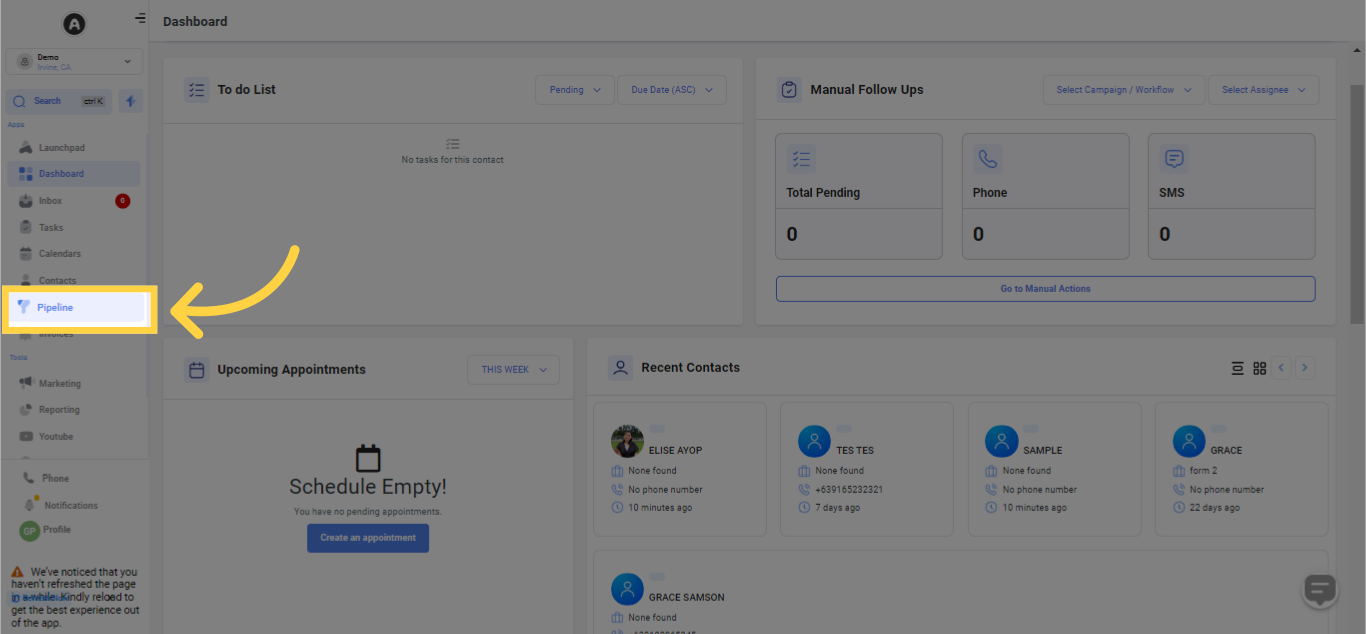
1. Select "Pipelines"
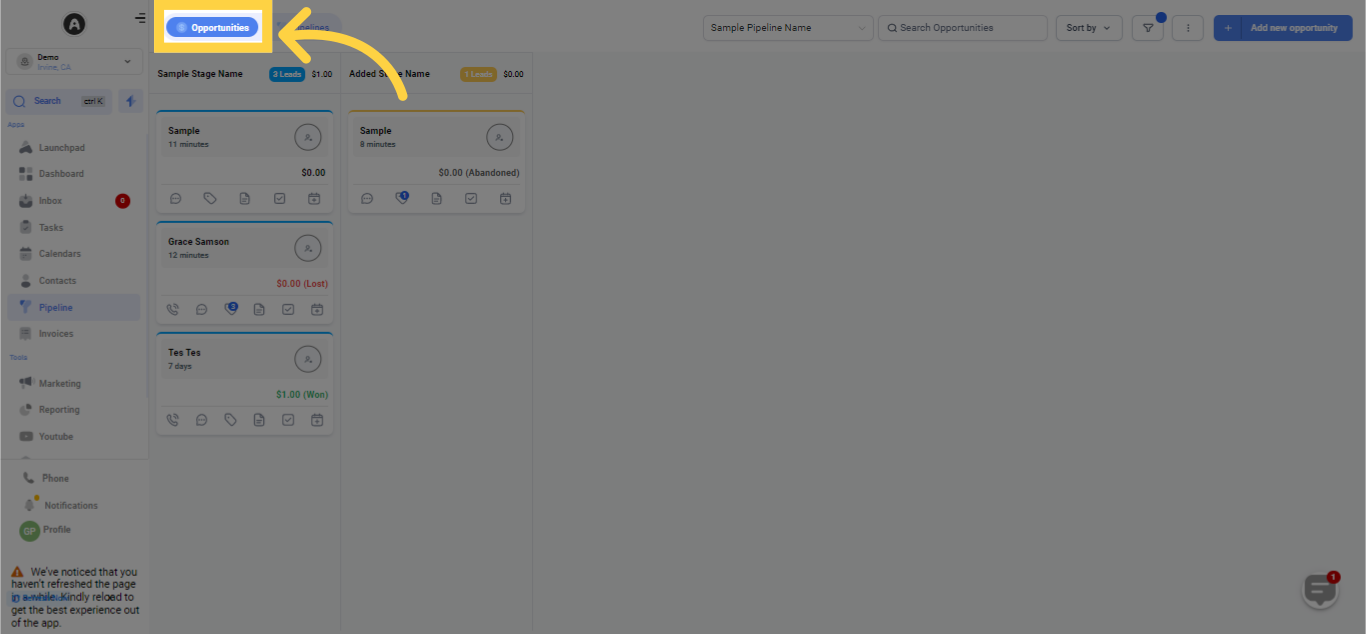
2. Select Opportunities
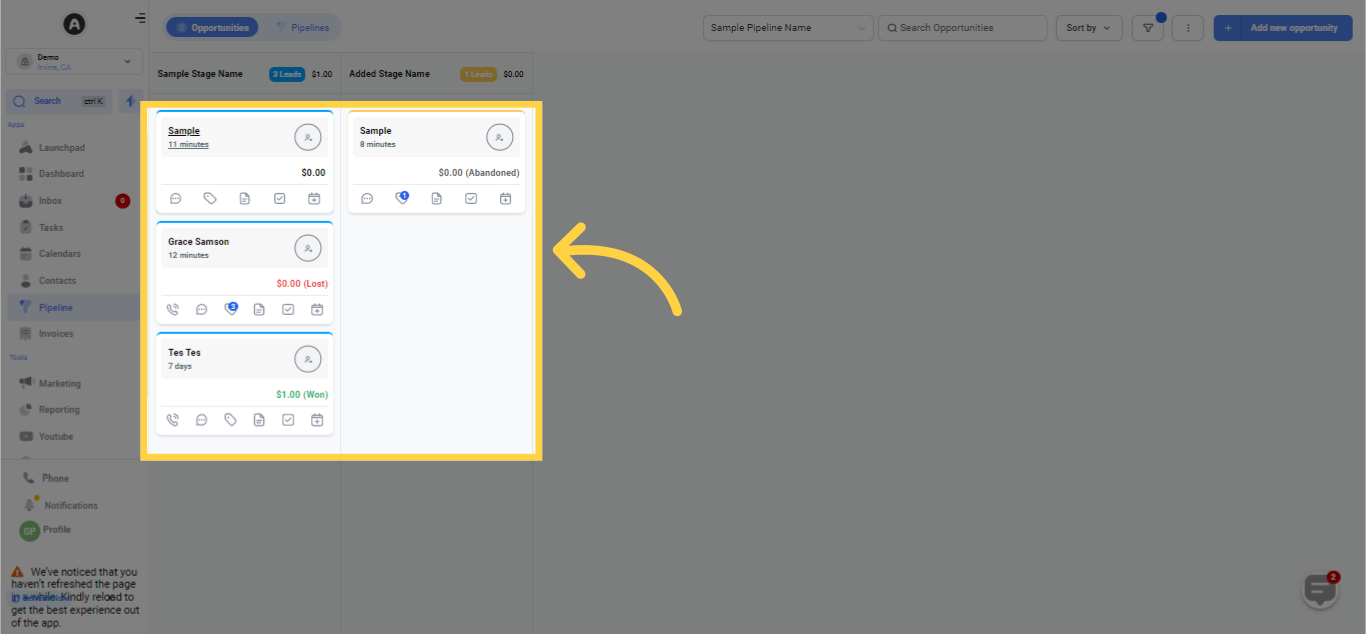
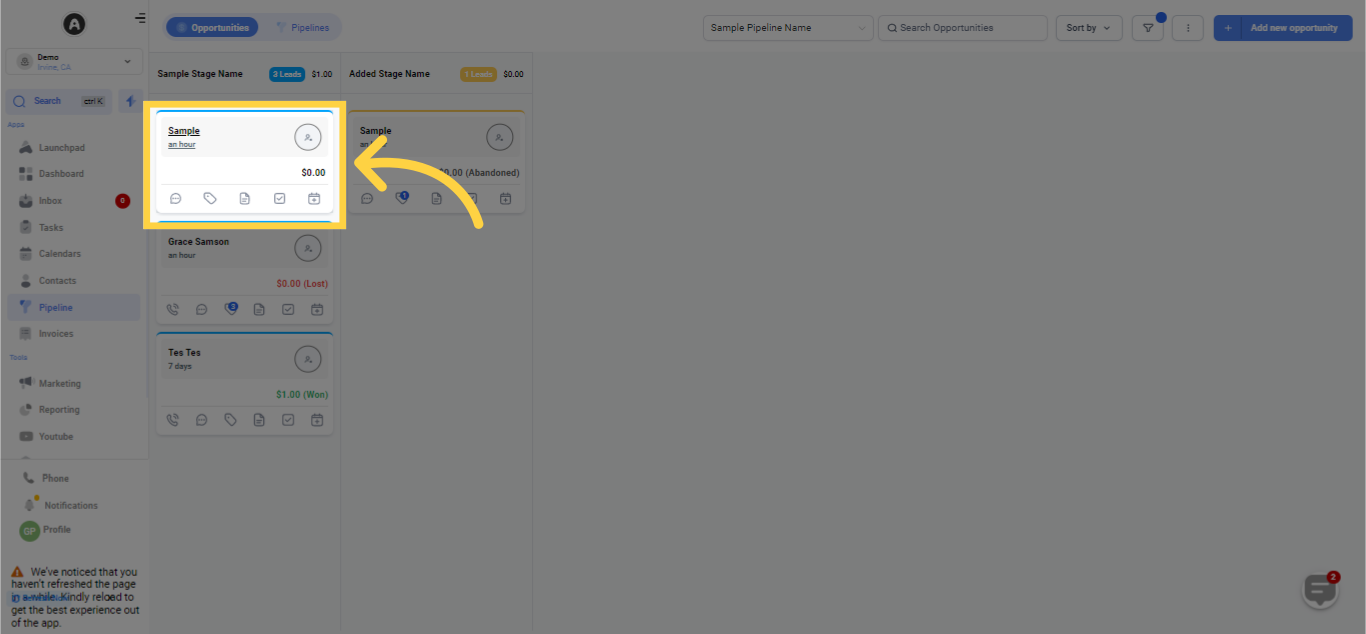
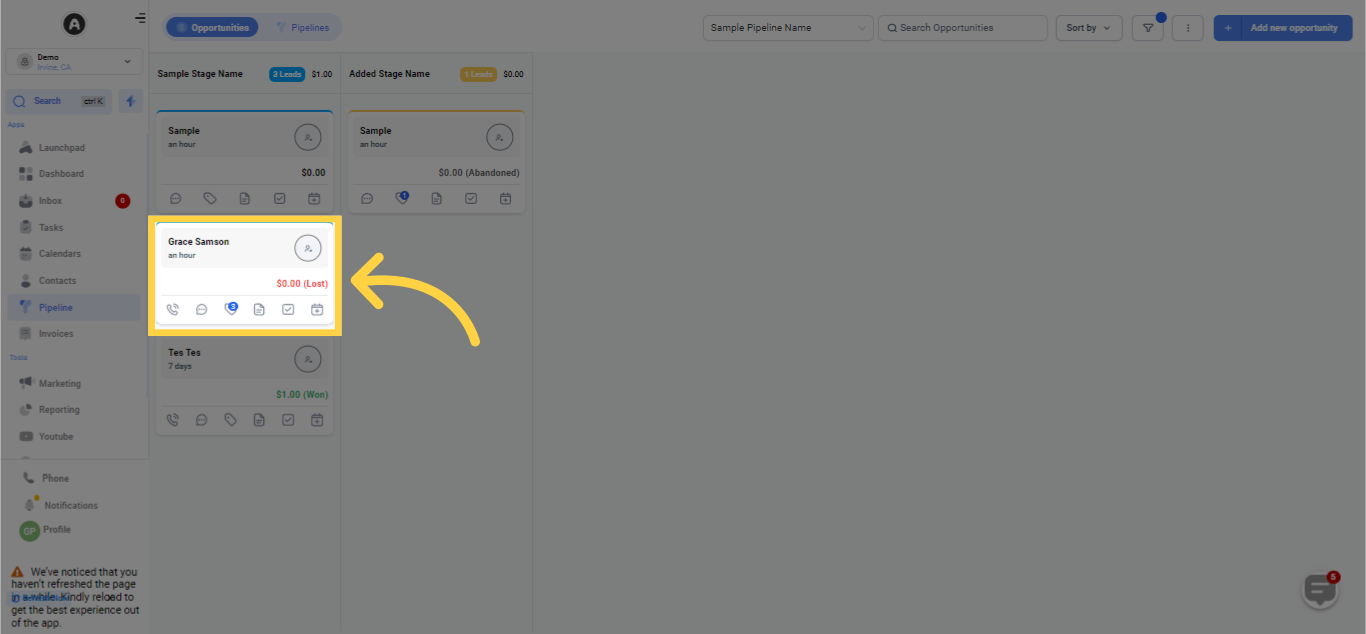
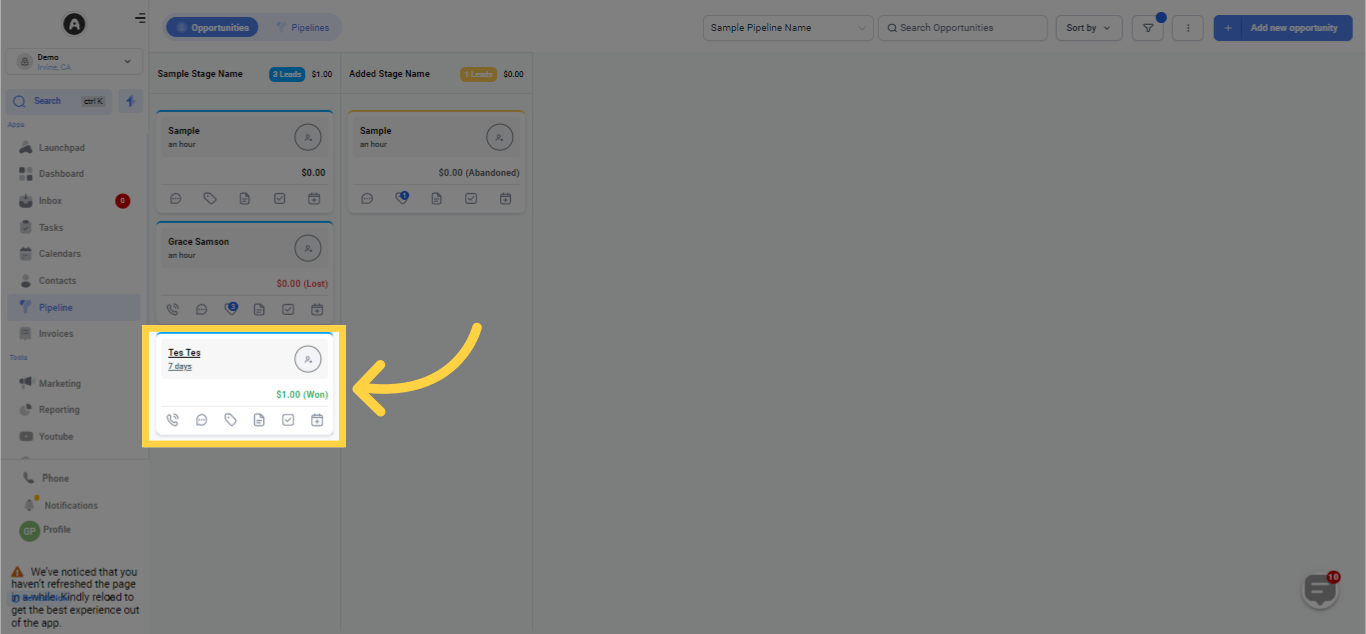
3. Opportunity Tiles
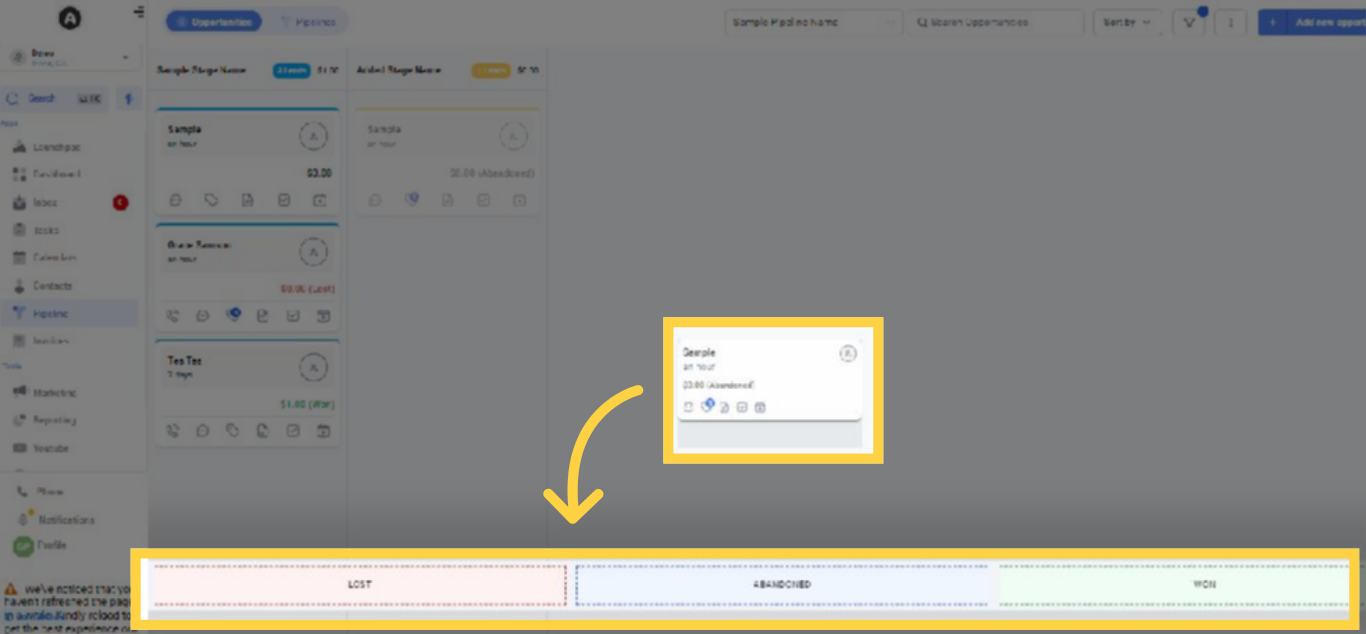
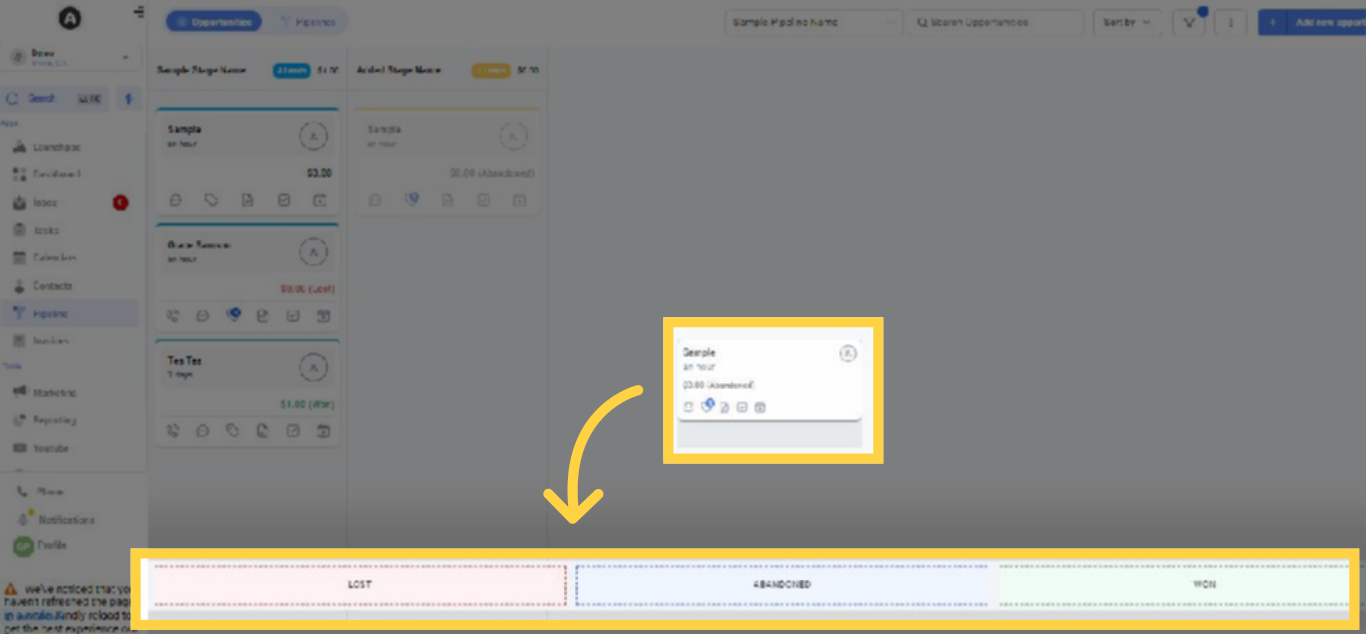
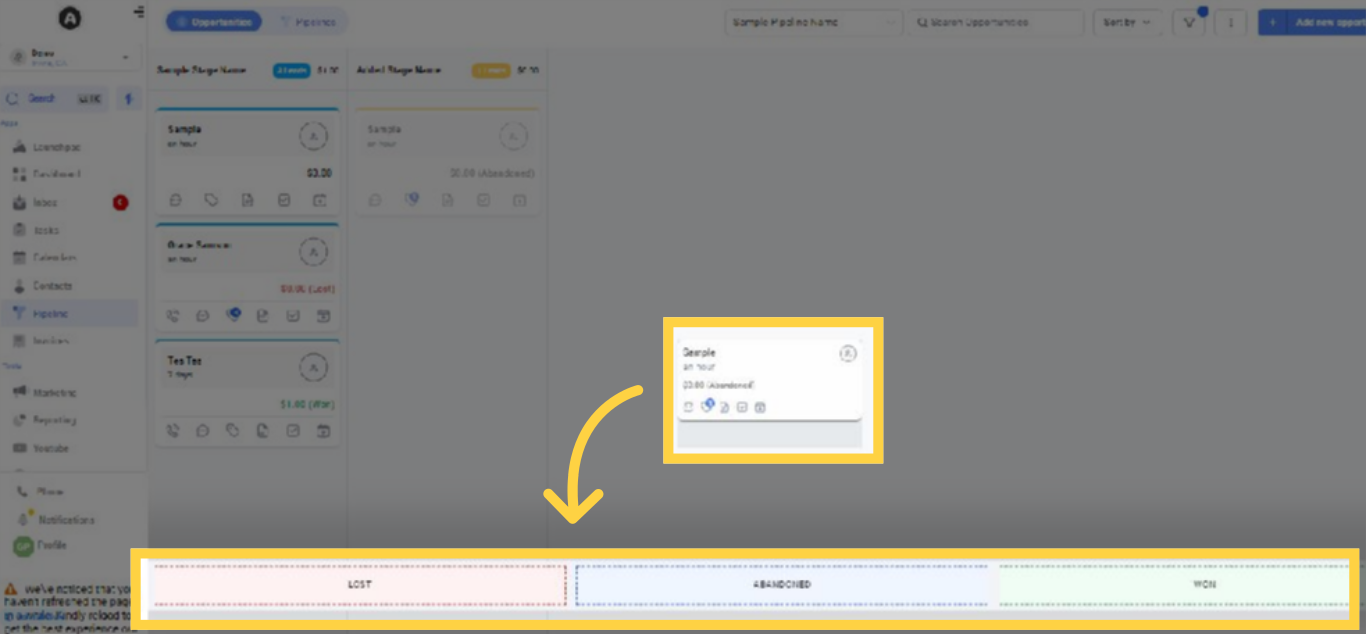
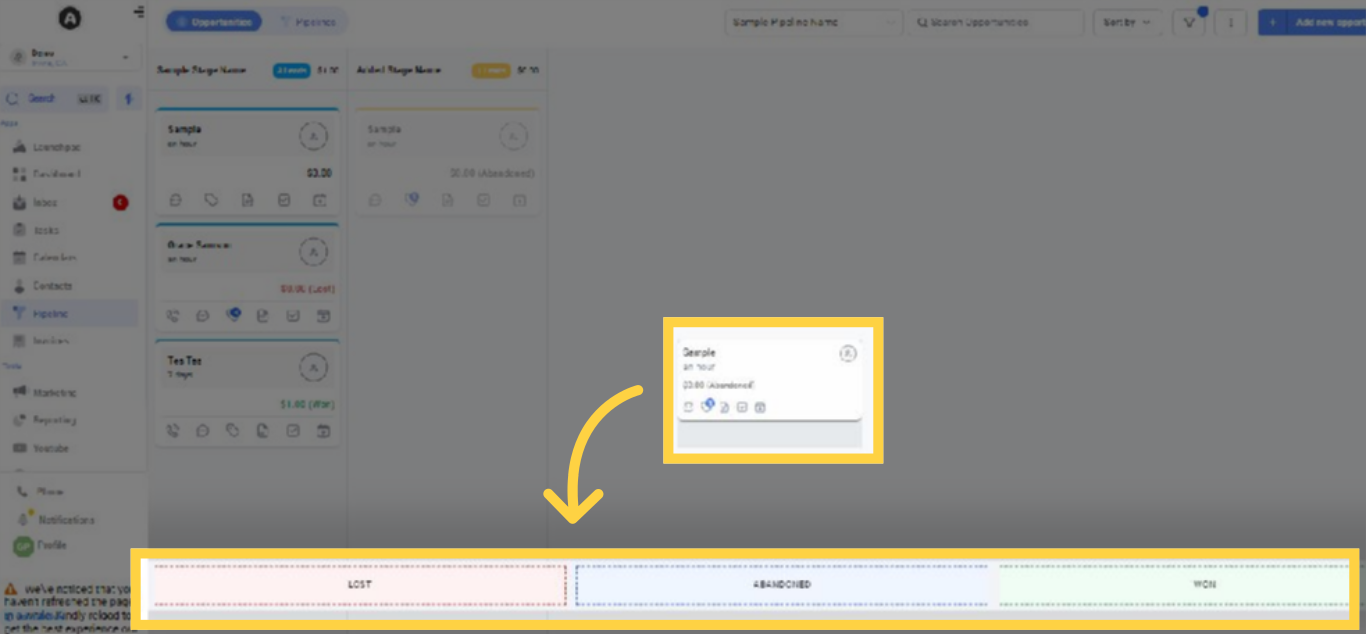
4. Drag and Drop Opportunity Tile to the Assigned Status
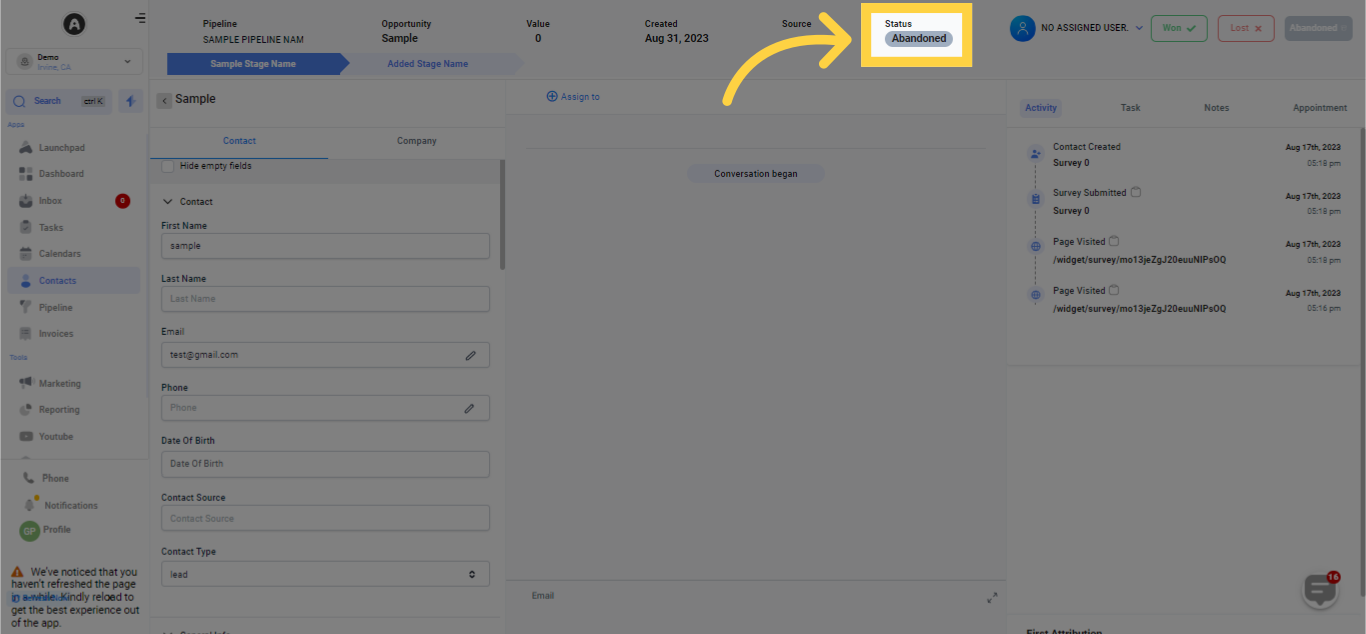
Click to Check Status
Opportunity Status: Abandoned
5. Drag and Drop Opportunity Tile to the Assigned Status
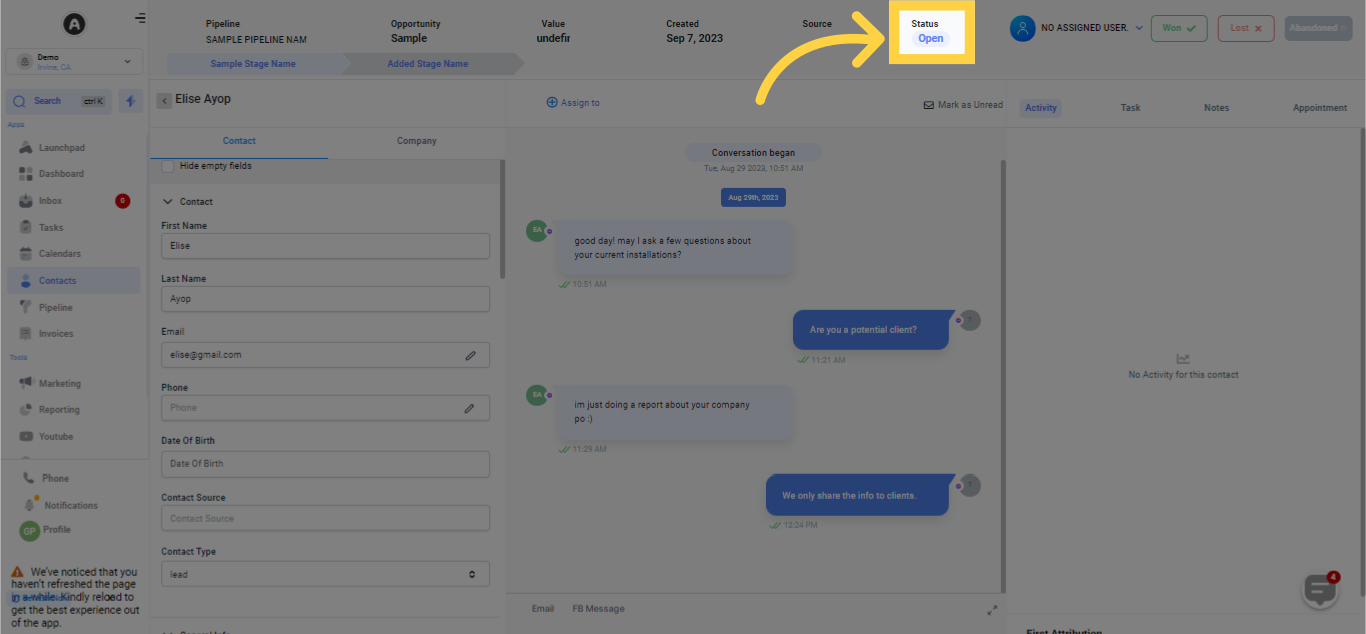
Click to Check Status
Opportunity Status: Open
6. Drag and Drop Opportunity Tile to the Assigned Status
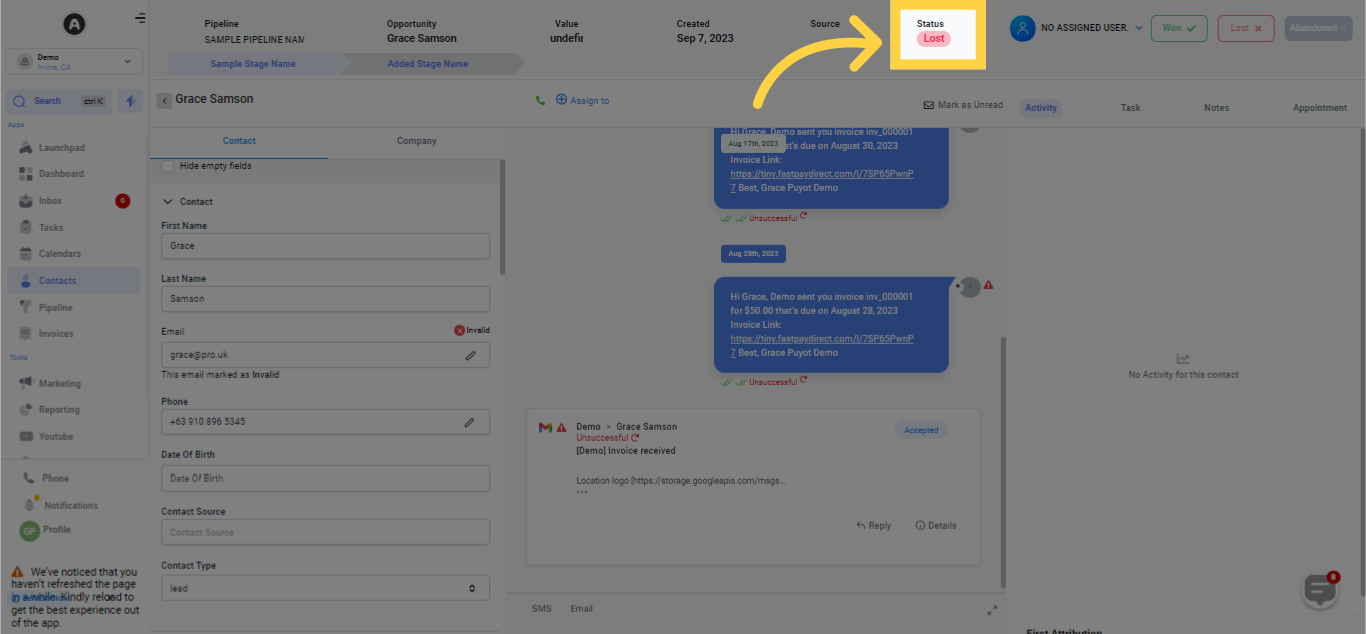
Click to Check Status
Opportunity Status: Lost
7. Drag and Drop Opportunity Tile to the Assigned Status
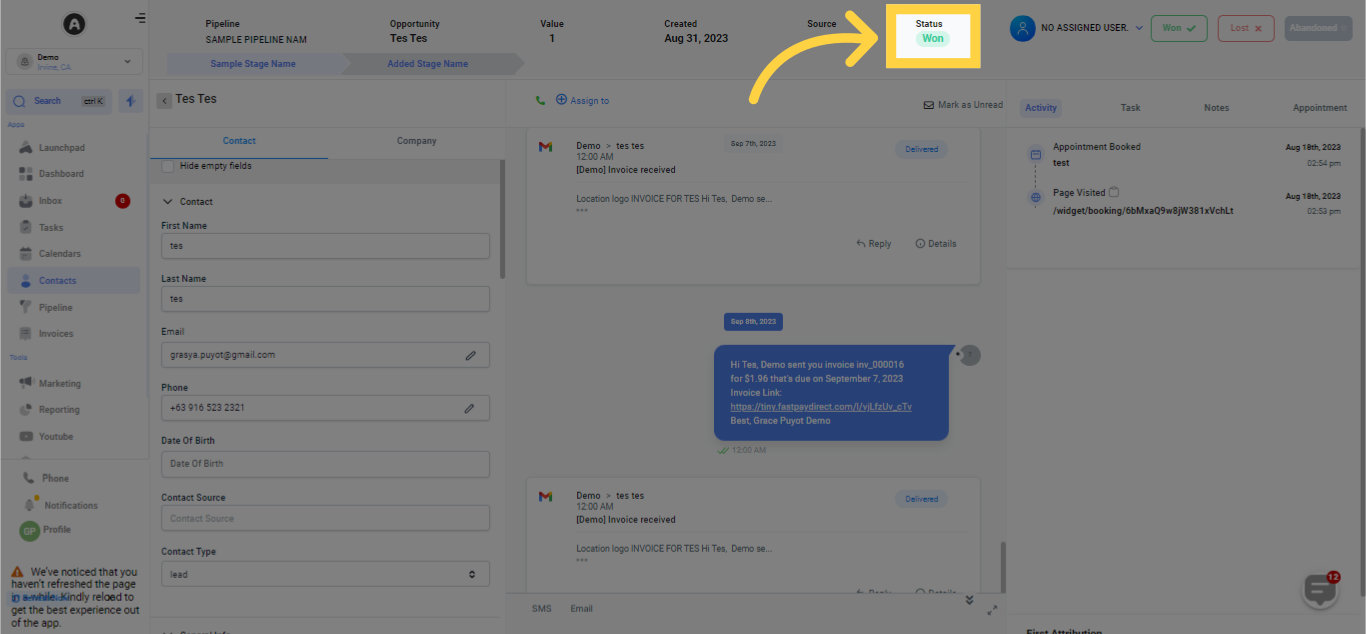
Click to Check Status
Opportunity Status: Won
War diese Antwort hilfreich für dich?
😞
😐
😁