How to use transfer contacts in smartlist | autoPatient
Hilfezentrum
Zu autoPatient wechseln
Alle Sammlungen
Contacts
How to use transfer contacts in smartlist
How to use transfer contacts in smartlist
Learn how to use transfer contacts in smartlist with these easy-to-follow instructions.
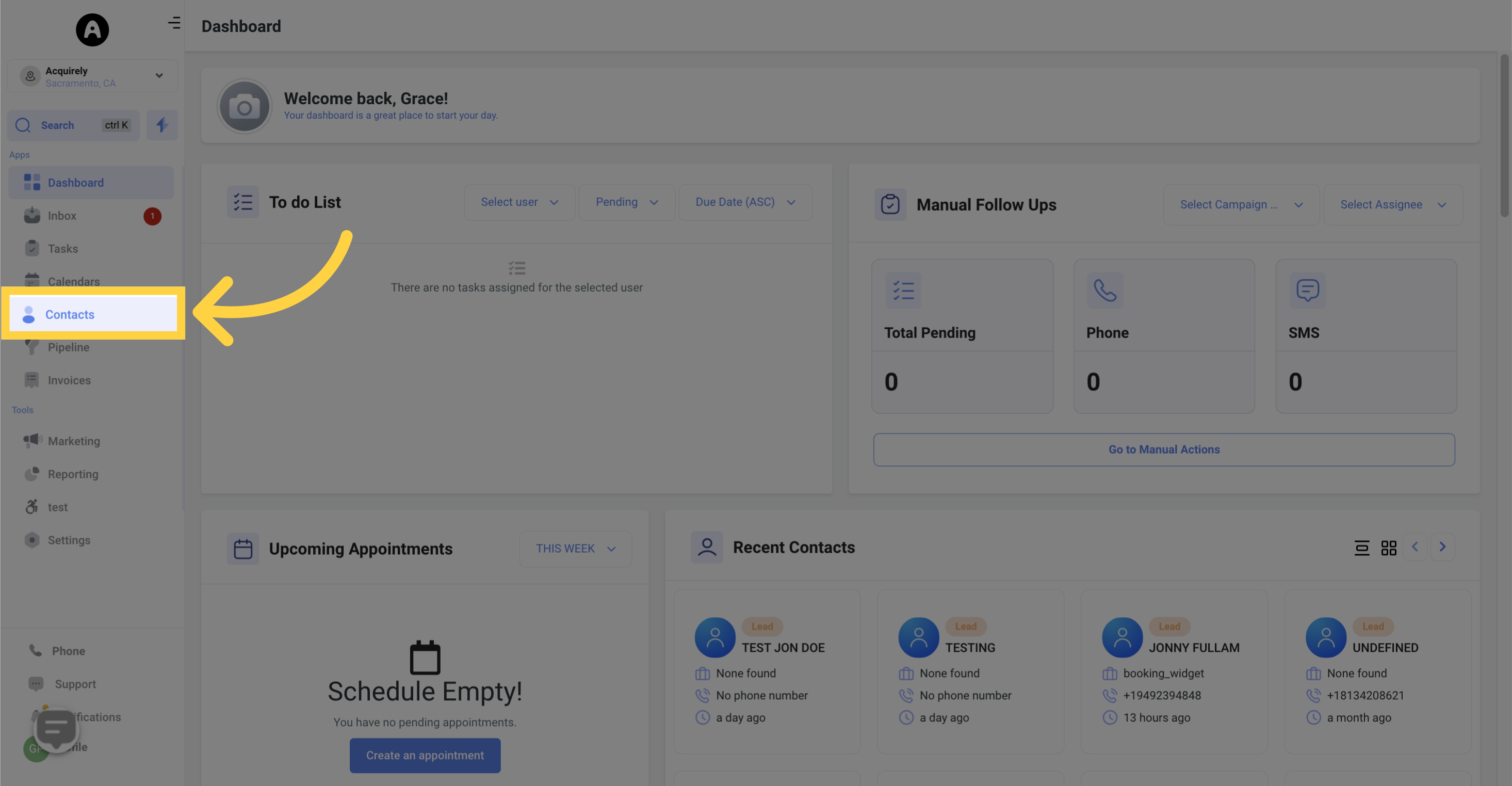
1. Click "Contacts"
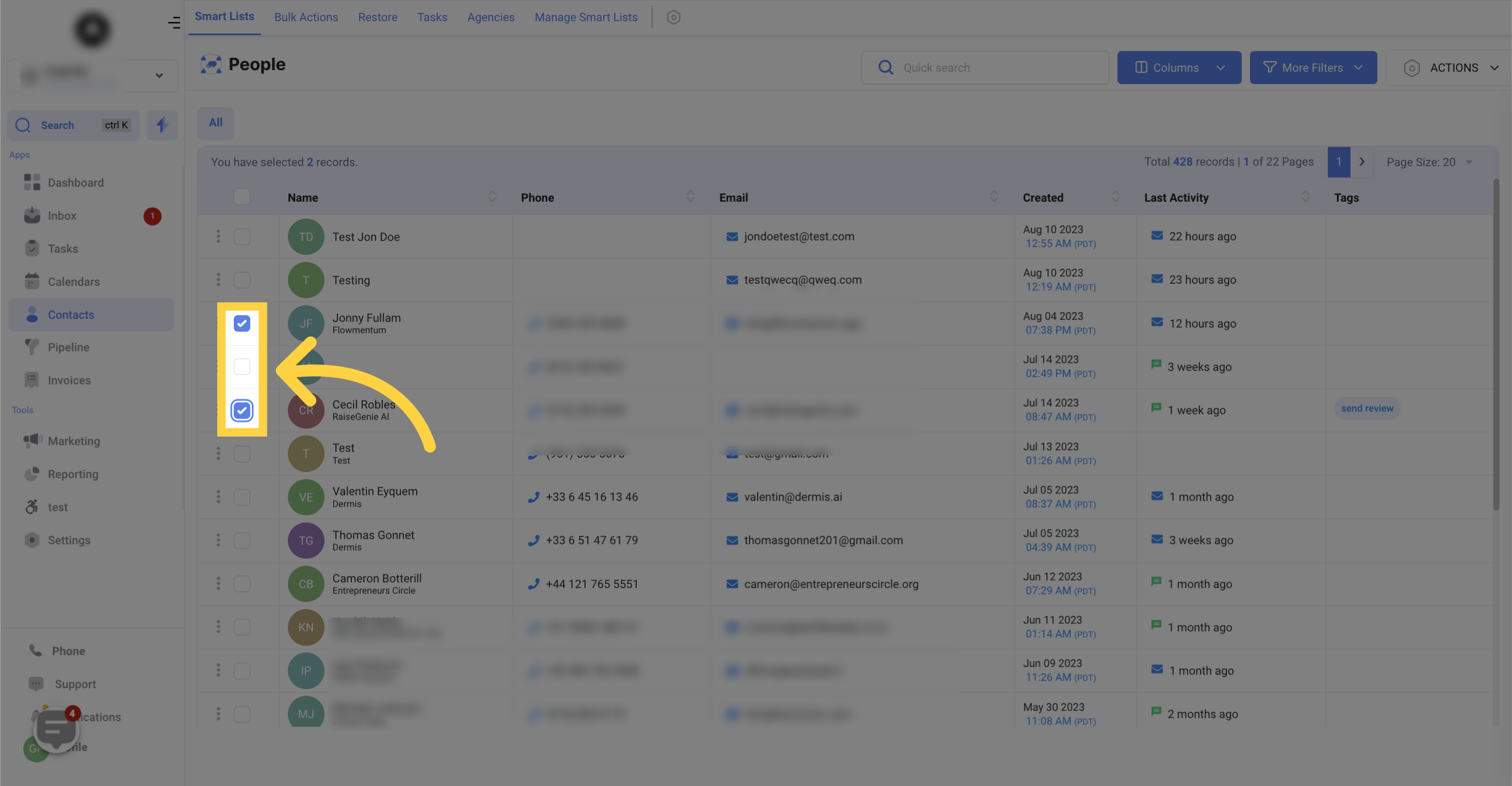
2. Select "Contact Person" you want to transfer
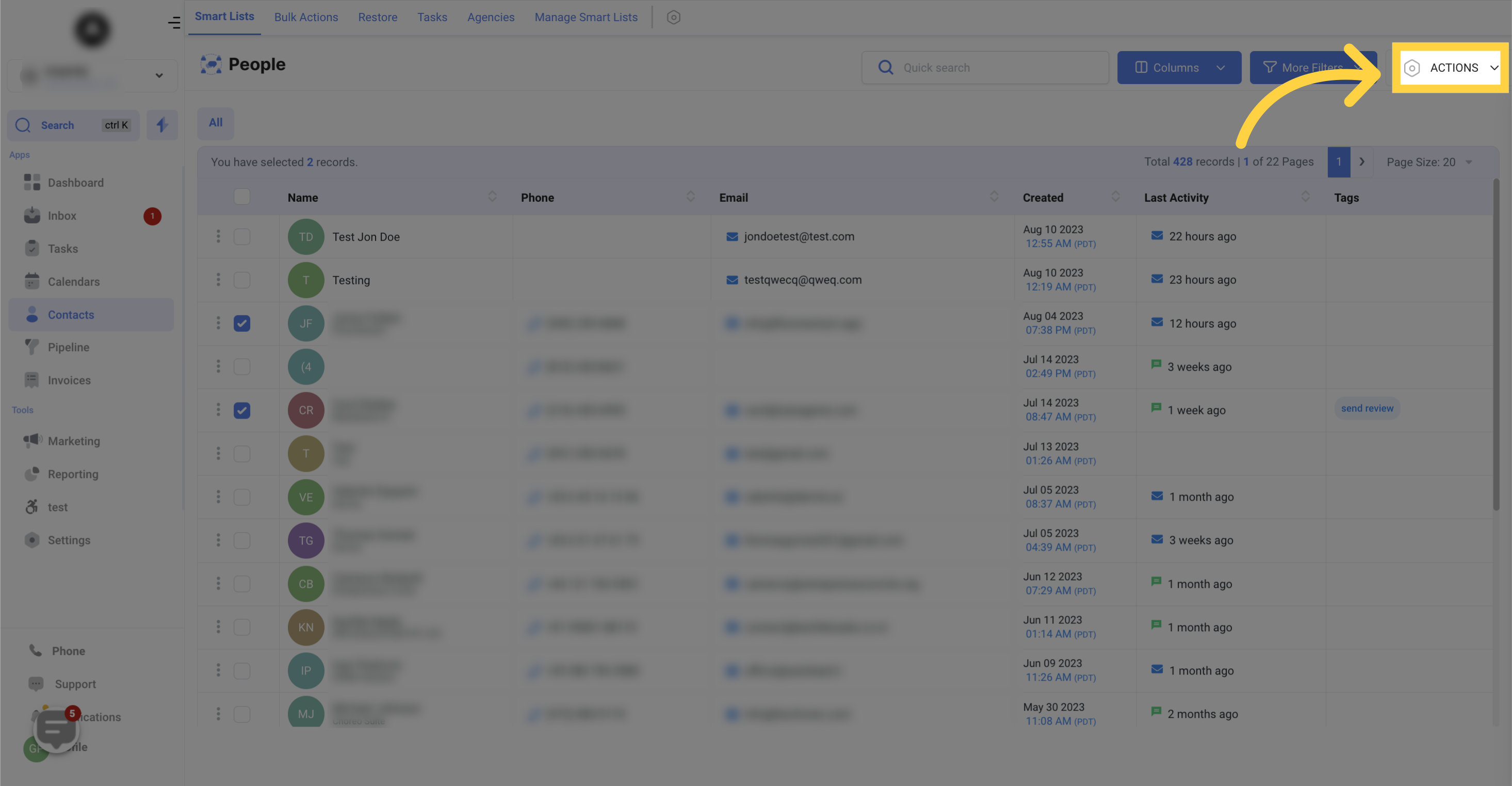
3. Click "Actions"
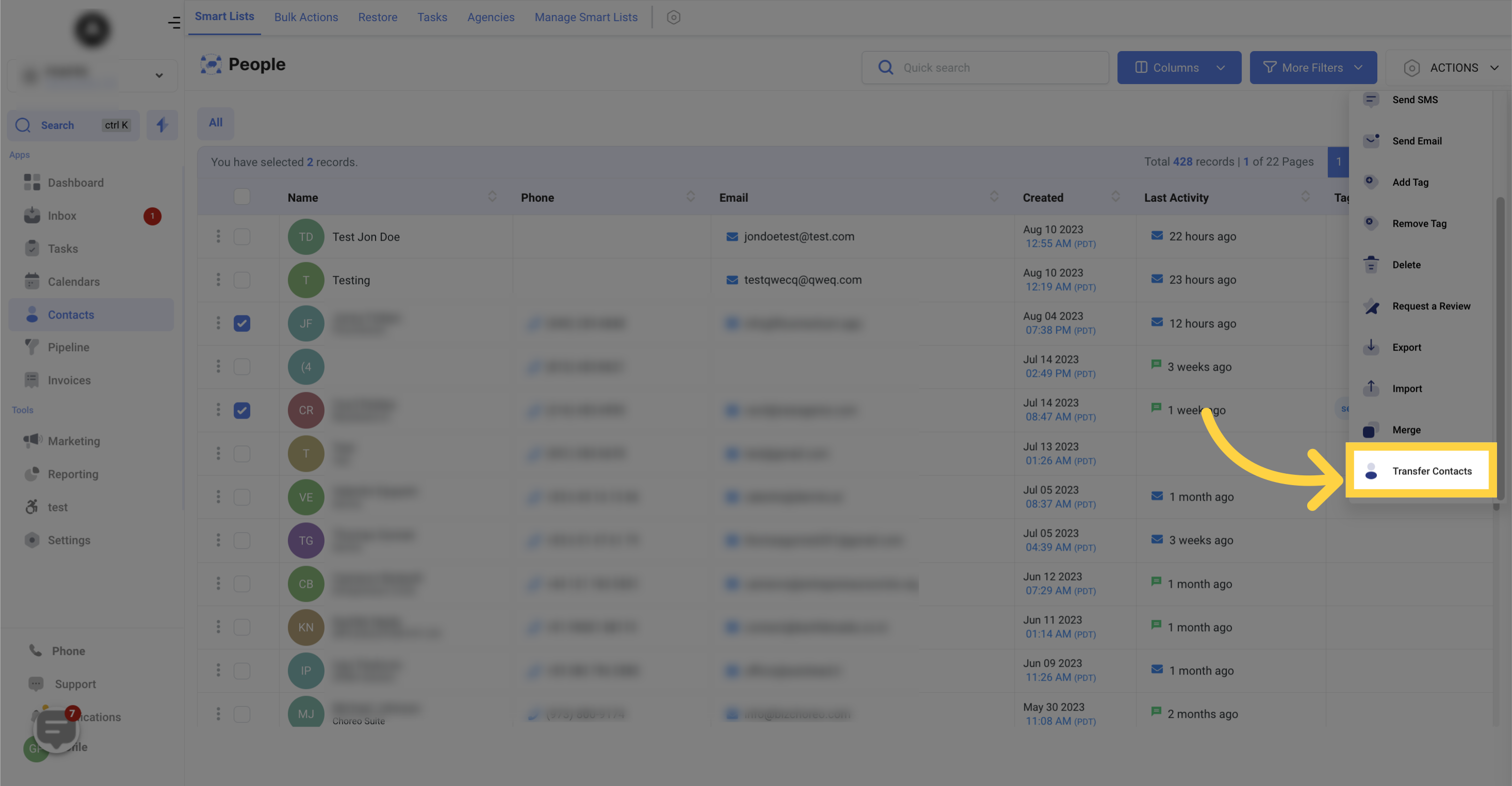
4. Click "Transfer Contacts"
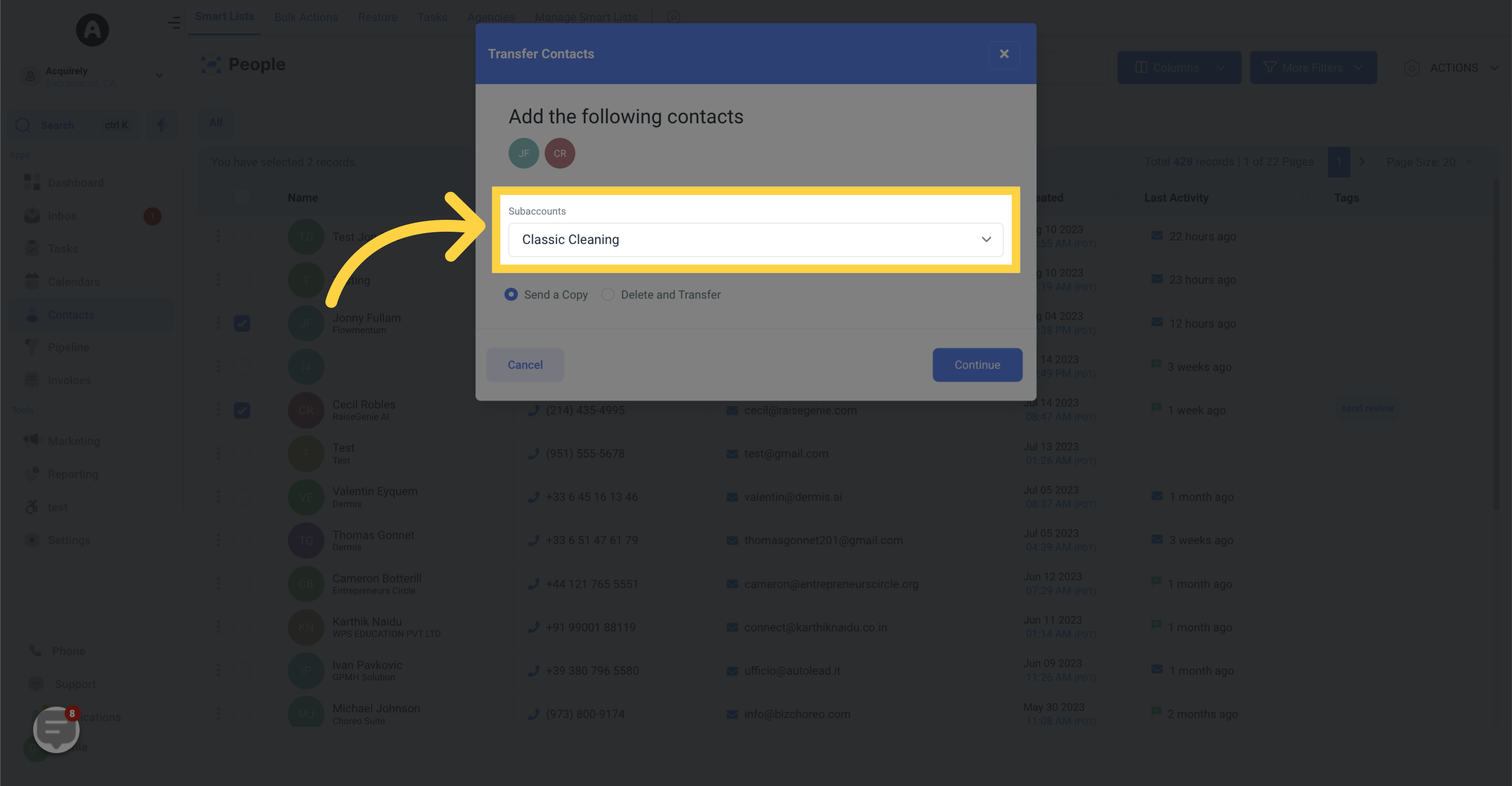
5. Select "Subaccounts"
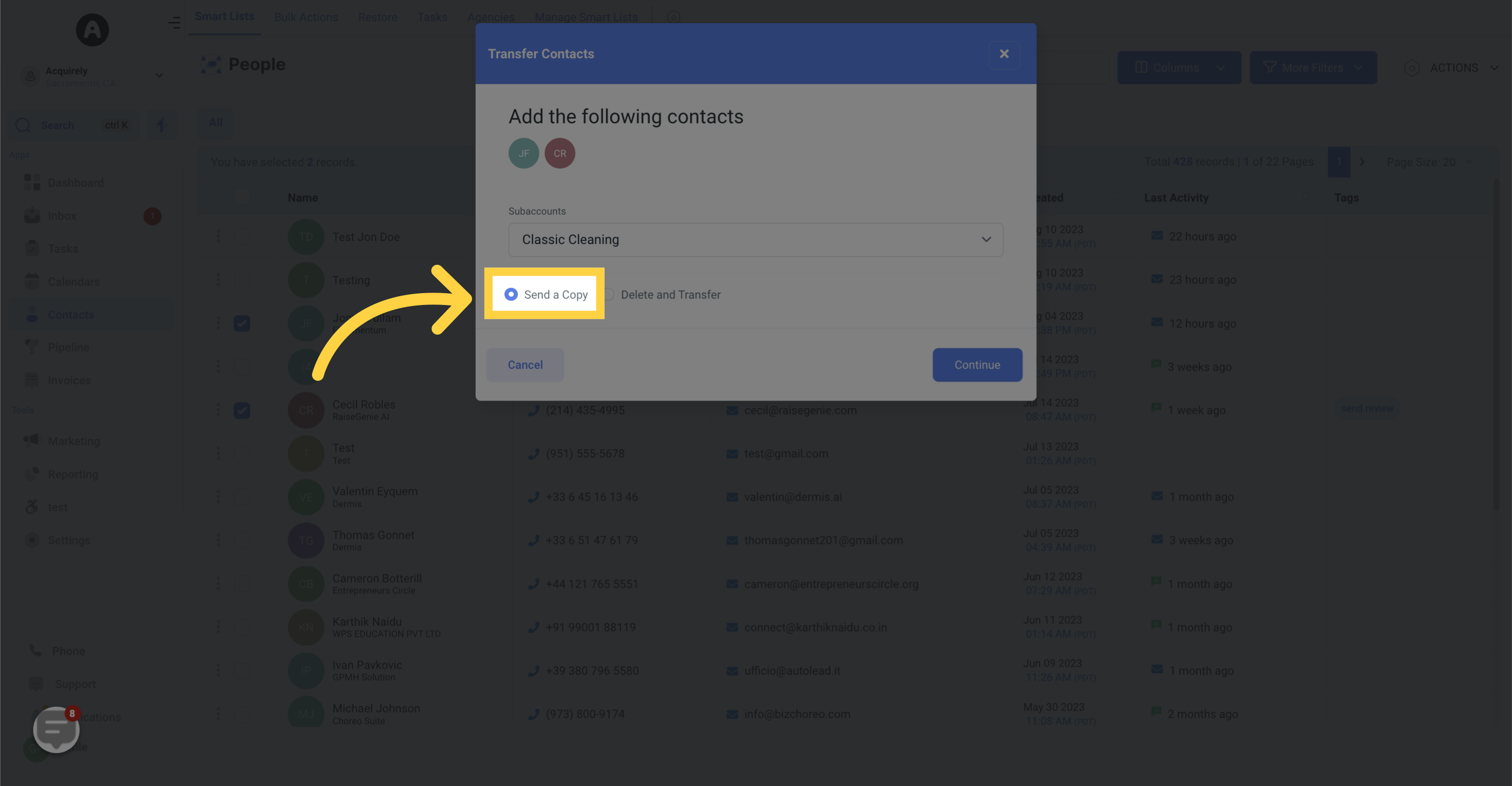
6. Select "Send a copy"
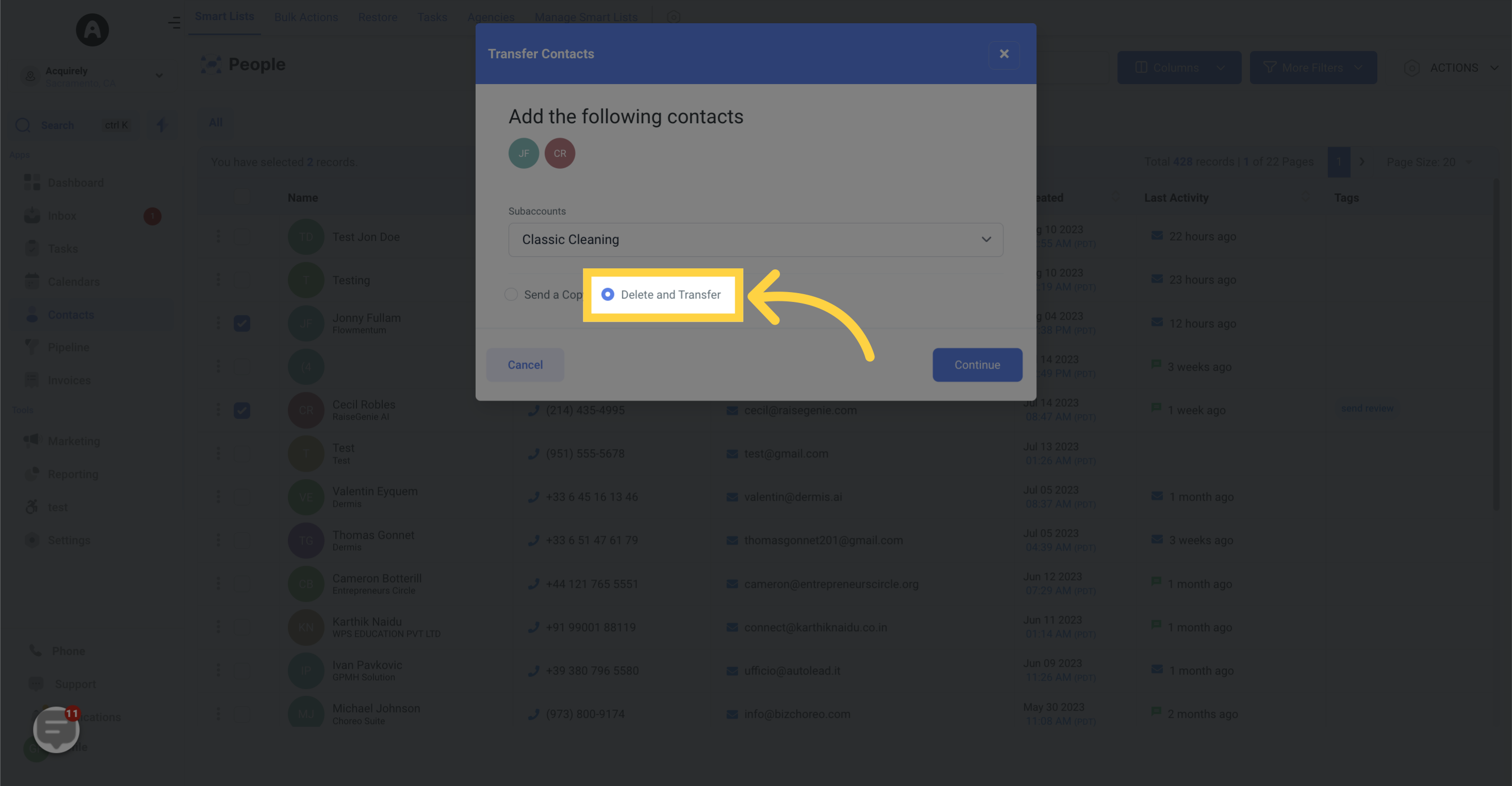
7. Click "Delete and transfer"
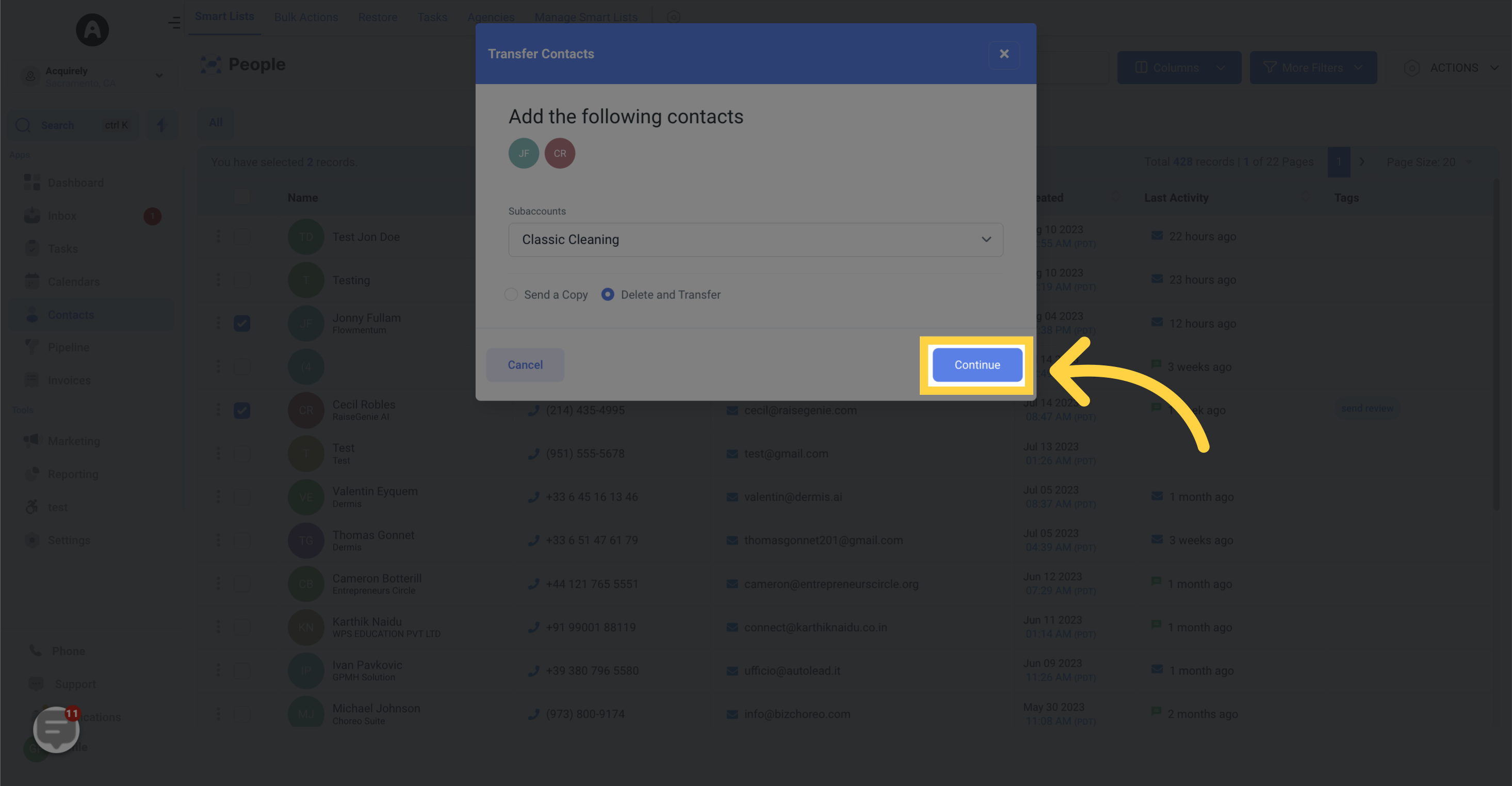
8. Click "Save"
To save changes, click save
Powered by
Guidde
War diese Antwort hilfreich für dich?
😞
😐
😁