Hilfezentrum
Zu autoPatient wechseln
Workflow Trigger - Offer Access Removed | autoPatient
Alle Sammlungen
Workflow
Workflow Trigger - Offer Access Removed
Workflow Trigger - Offer Access Removed
This guide will navigate you through the process of setting up the "Offer Access Removed" workflow trigger within the applications.
This operation is activated when the access to an offer is revoked.
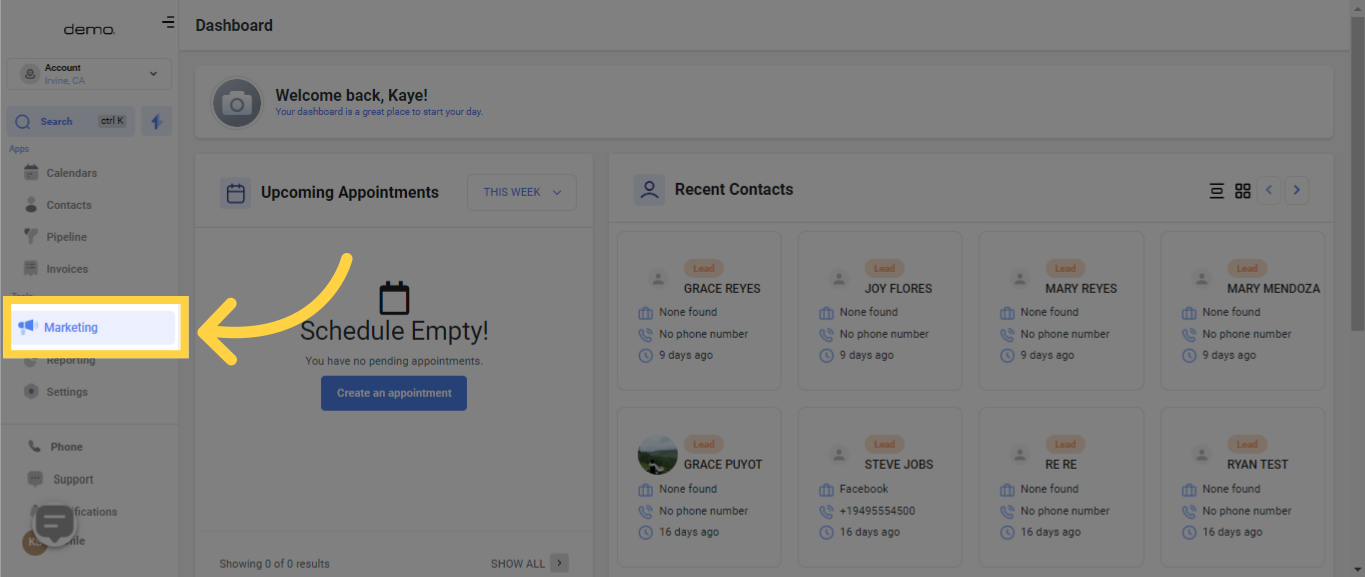
1. Select "Marketing"
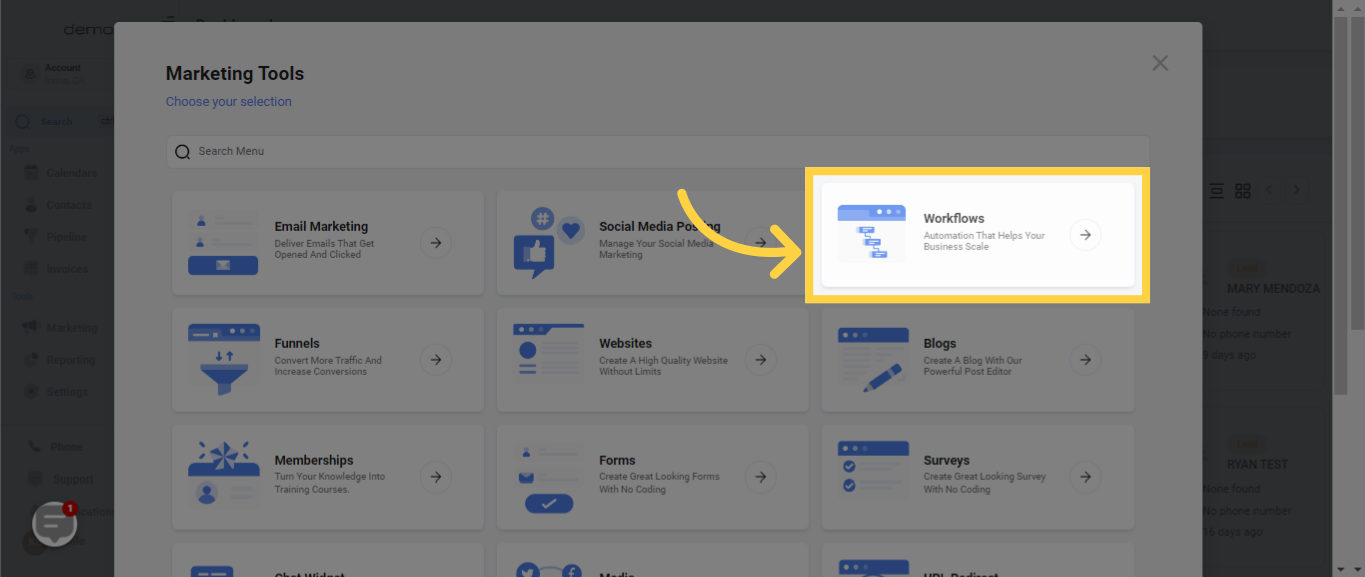
2. Select "Workflows"
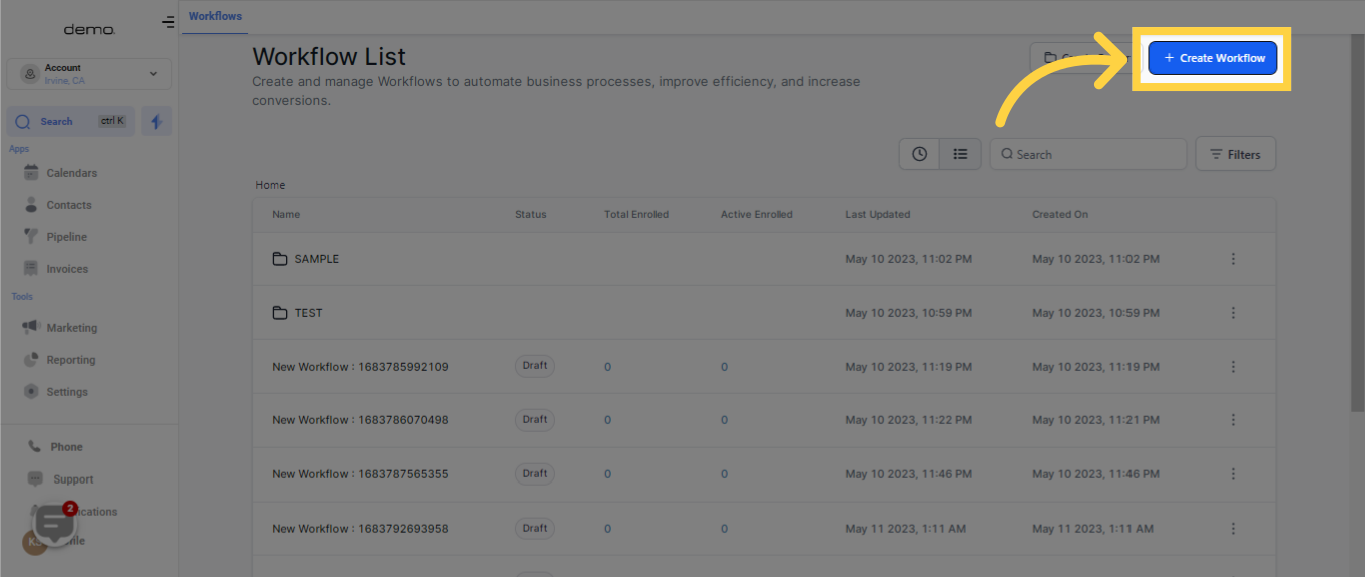
3. Click "Create Workflow"
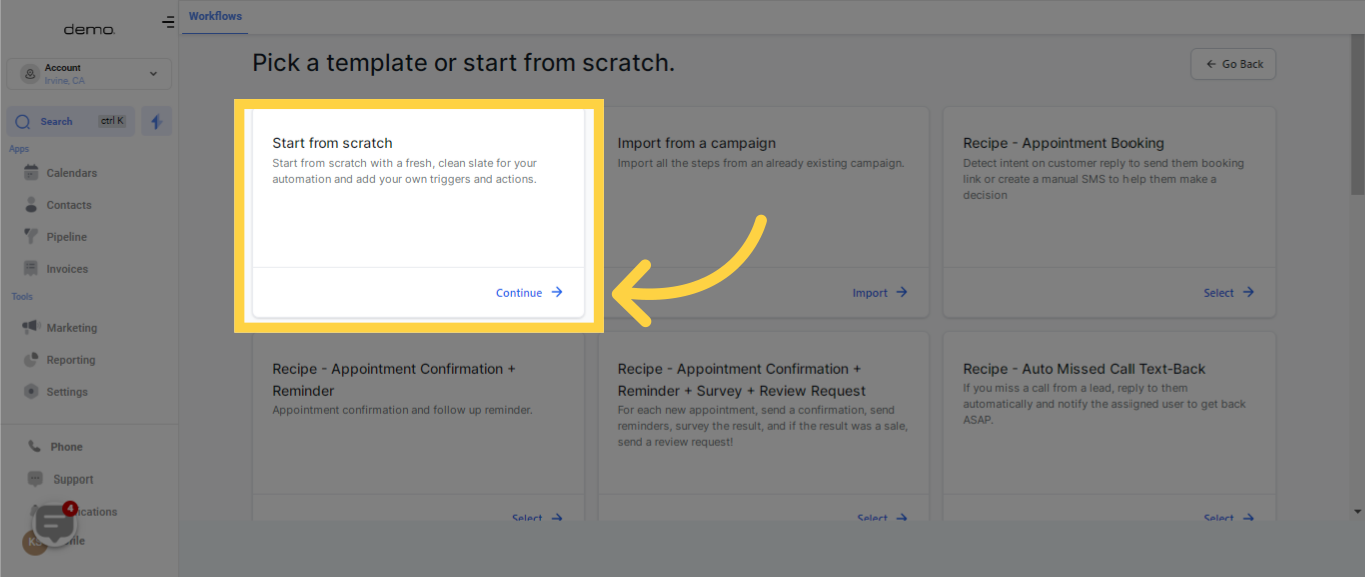
4. Click "Continue"
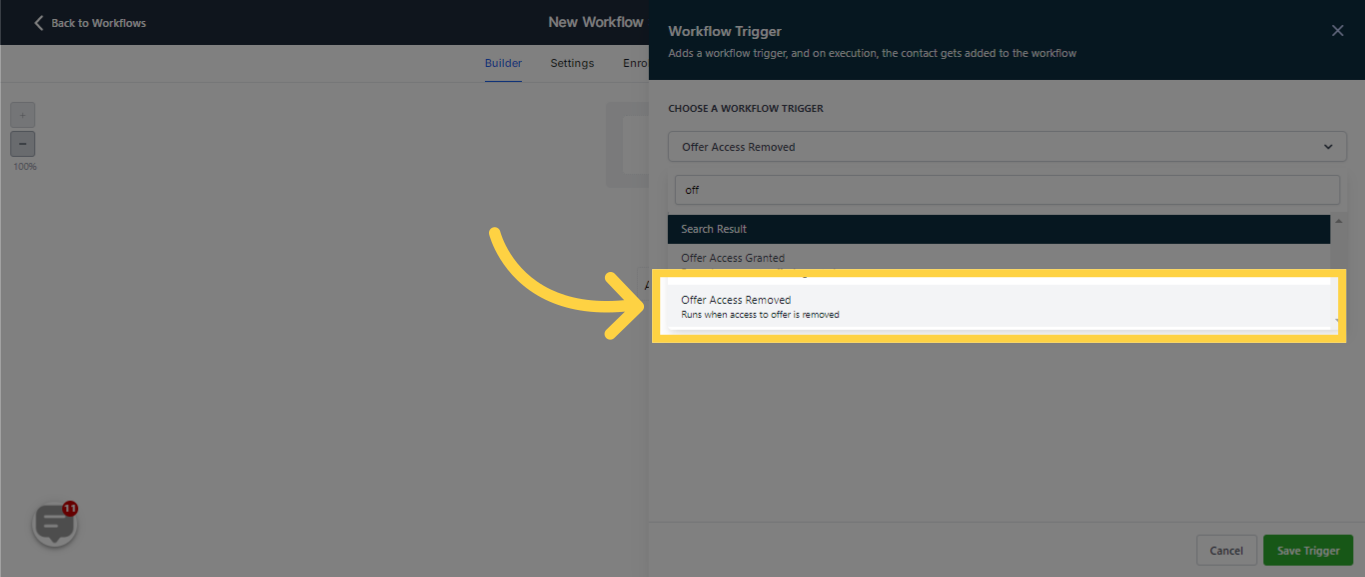
5. Select "Offer Access Removed"
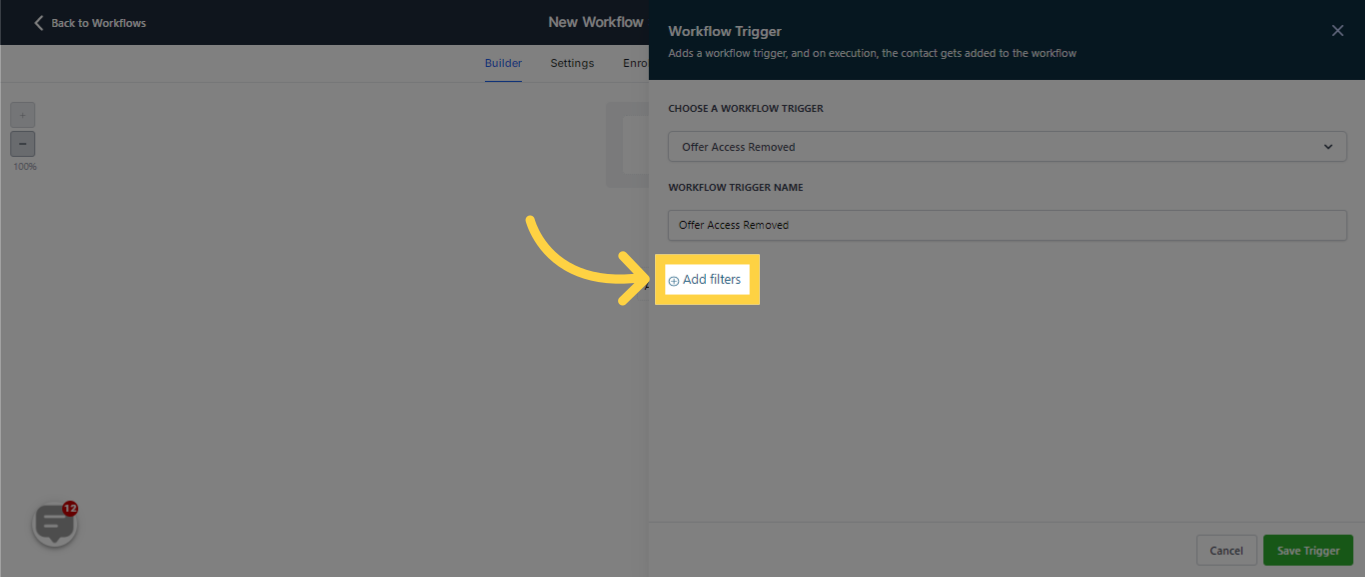
6. Click "Add filters"
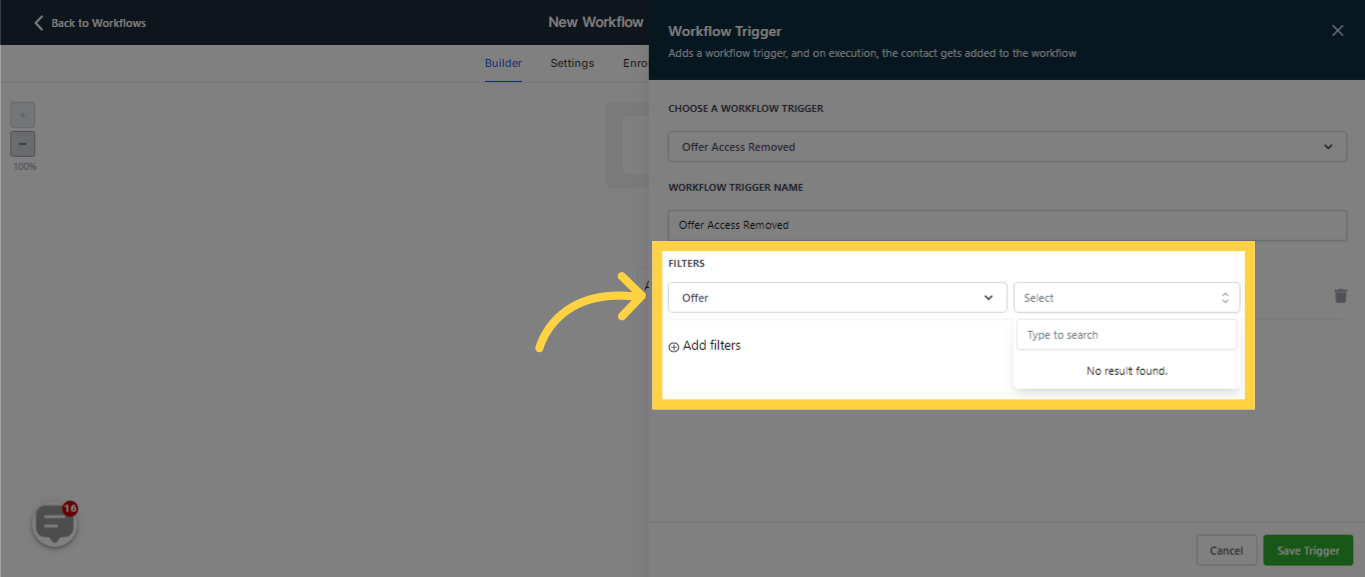
7. Select "Offer"
War diese Antwort hilfreich für dich?
😞
😐
😁